Наверх
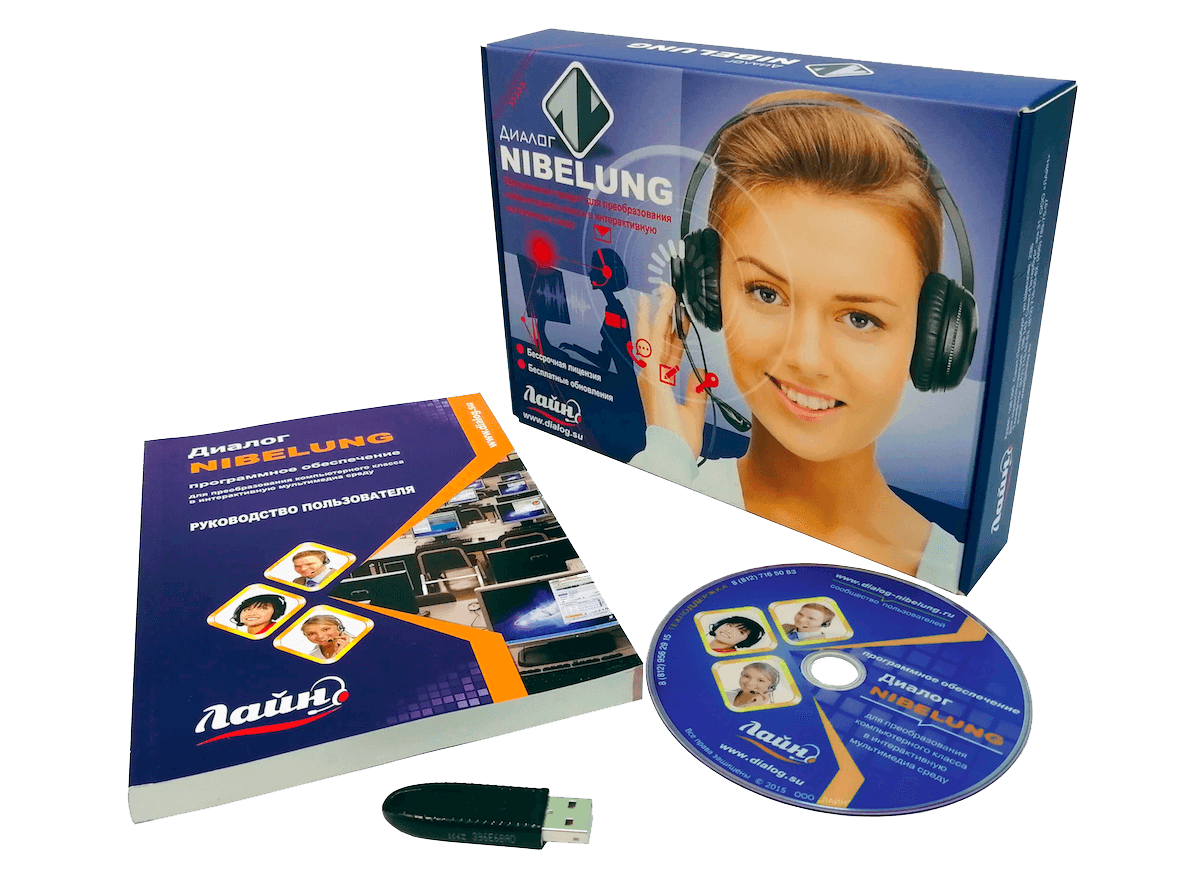
The package includes:
Installation disk, USB key, user manual, license

“Dialogue Nibelung” is a purely software solution, easy to install and configure and does not require additional hardware.
When purchasing the Nibelung Dialogue software, you will receive an individual key for the required number of licenses (according to the number of computers in the classroom). For communication between classroom computers, you can use both local and wireless Wi-Fi networks.


The Nibelung Dialogue software includes client modules for systems running Android OS, which allows the use of mobile tablets, including student devices, in the learning process. The client for Android OS has similar capabilities of the module for Windows OS, with the exception of some functions due to limitations of the Android OS itself.
An integral part of the “Dialogue NIBELUNG” software product is the testing system “Dialogue Nibelung NQuiz” – a special software package for creating and editing tests, conducting tests and analyzing the results by the teacher. Test questions can contain both text and various audio and video information, including images and materials from the Internet.


Students’ computers are controlled directly using the graphical interface of the teacher’s program. The graphical representation of the class can be easily edited in accordance with the real one by changing the size and relative position of the classrooms. The interface is customized using movable toolbars with changeable appearance and customizable menus. The standard window for viewing and editing document properties is similar to Microsoft Office.
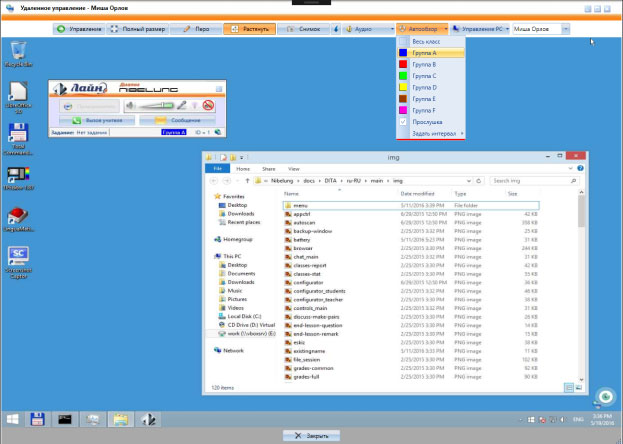

The program uses a local network for communication between computers in the class. Audio and video materials and other files can be transmitted over a local network, and students’ personal computers can be fully controlled from the teacher’s workstation.
The Nibelung Dialogue program allows you to keep attendance and progress logs. Each teacher has his own journal. The teacher gains access to the control panel using a personal password. The system automatically recognizes the registered classes of this teacher. Class files, audio and video materials of teachers are stored in personal folders.
When you start registering those present in a lesson, a corresponding window appears on the students’ computer monitors, in which they must confirm their presence and, if necessary, enter their last name and initials. After the registration process is completed, a window with the results is displayed on the teacher’s screen.
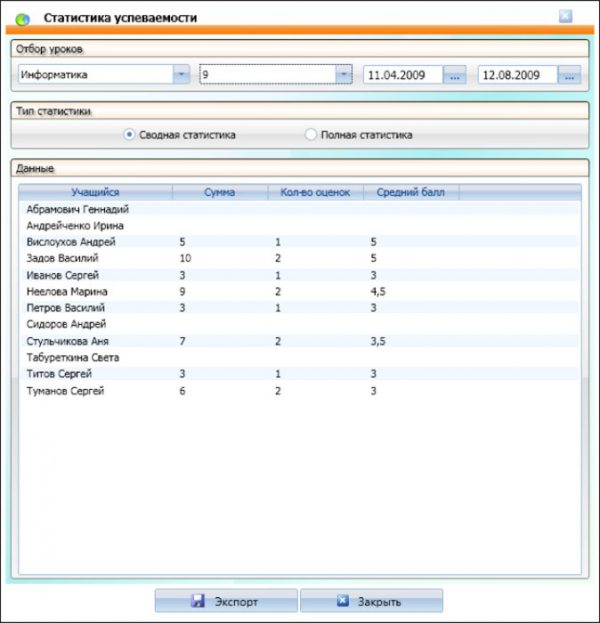
Connected students can work individually, in pairs and in groups (up to 10 groups at a time). The teacher can secretly listen to the work of a selected student, pair or group.
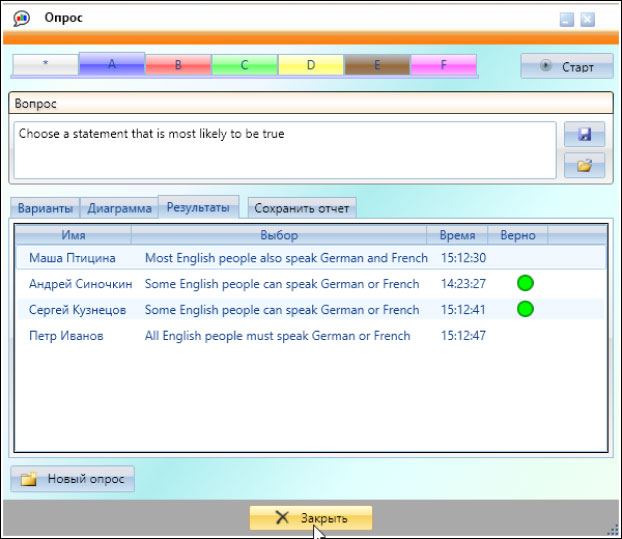
At the moment, there are 7 different tasks that the teacher can combine in any combination depending on needs and in accordance with the developed lesson plan.
7 tasks
- self-learning
- discussion
- screen transfer
- Internet
- working with files
- testing
- working with multimedia sources
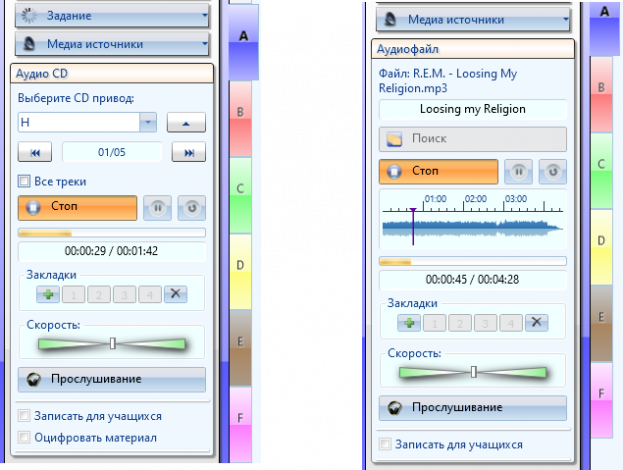
The program allows you to simultaneously use up to 10 audio sources, including several sound cards or several built-in CD drives.
Audio materials from any external source connected to the input of the sound card of the teacher’s computer, as well as any other broadcasts, including a microphone, can be digitized and saved for further work. The teacher can use one CD with educational materials, starting a separate track for each group.
The teacher can distribute files for independent work at home, as well as collect files (tasks) prepared by students. Homework is given to a group of students or individually. Information is automatically saved: who received the task, when and when it was submitted.
Learning with the Nibelung Dialogue software continues outside the classroom. The student can use the digital tape recorder and testing system at home to complete homework or self-study.
The teacher can also use the digital tape recorder, testing system and test maker outside of class to prepare for classes or check student work.
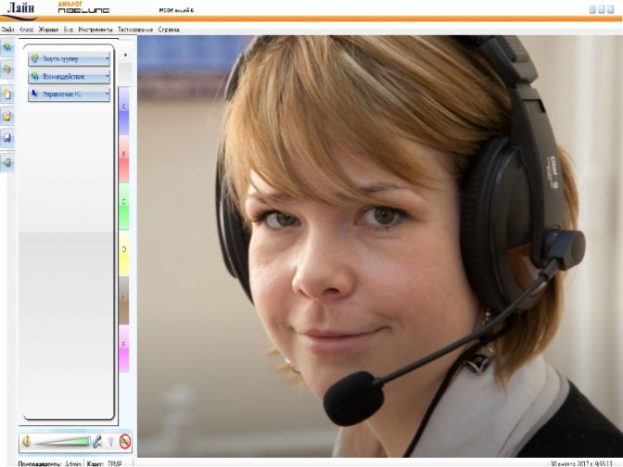
The teacher can transfer to students’ computers a display of the screen of any computer or one of the programs running on it. Screen sharing mode will allow students to see the material on their computer screen. While broadcasting, you can use the pen tool to highlight important information on the screen. A teacher can record a broadcast of his or a student’s screen and use it as a regular video file.
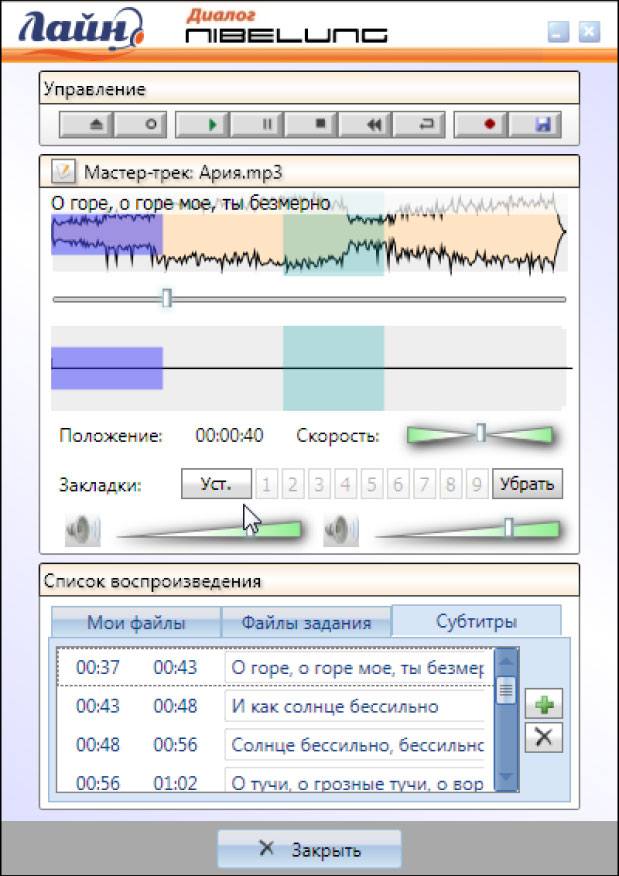
The graphical interface of the student module eliminates student interference in the operation of the system. Only the teacher can decide whether students should work independently with digital tape recorders. The student’s digital tape recorder allows you to play audio and video files in all common formats. A digital tape recorder has the functions of a regular tape recorder – playback, recording, repeat, etc. Additionally, a digital tape recorder allows the student to control the speed at which the audio file is played.
In the “Self-learning” mode, the student can select a file from the list proposed by the teacher, create bookmarks to listen to the file again from the moment marked on the track.
The student can record his voice, listen, compare his recording with a sample track and visually see the differences thanks to the presence of a graphical display of audio, as well as add or change subtitles to the recording.
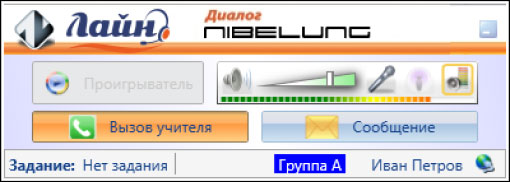
Each student’s client module has a “Call Teacher” button for the student to contact the teacher and a “Message” button for sending a question to the teacher in text form.
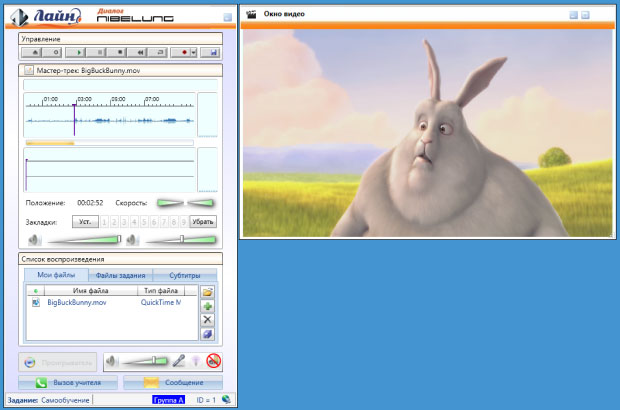
The teacher can broadcast video from his computer and control the broadcast like a regular tape recorder, for example: pause, rewind, set bookmarks, “loop” a fragment. You can broadcast any video files, DVDs, as well as external sources, such as a VCR, webcam, or video from YouTube. No additional software or hardware is required to transmit video. The built-in video converter allows you to digitize video materials for further use.
The built-in video converter allows you to digitize video materials for further use.